

YouTube Video Downloader
SAVE ANY VIDEOFree YouTube Video Downloader 4K
Download HD videos to your computer and mobile device from YouTube for free - paste a YouTube URL and save the complete video file later.

Download responsibly. Ensure you have the right permissions.
Free YouTube downloads
No software
MP4 and MP3
HD and 4K
URL-based
Download HD videos from YouTube

Save any video as MP4 or MP3

Paste a YouTube URL
No install

Choose MP4 or MP3
HD quality

Choose MP4 or MP3
HD quality

Download videos online
HD quality
Sponsored
Download HD videos from YouTube
Save YouTube videos in high-quality HD, including available 1080p and 4K. Download the video file in your preferred format directly to your device without installing extra software or signing up.
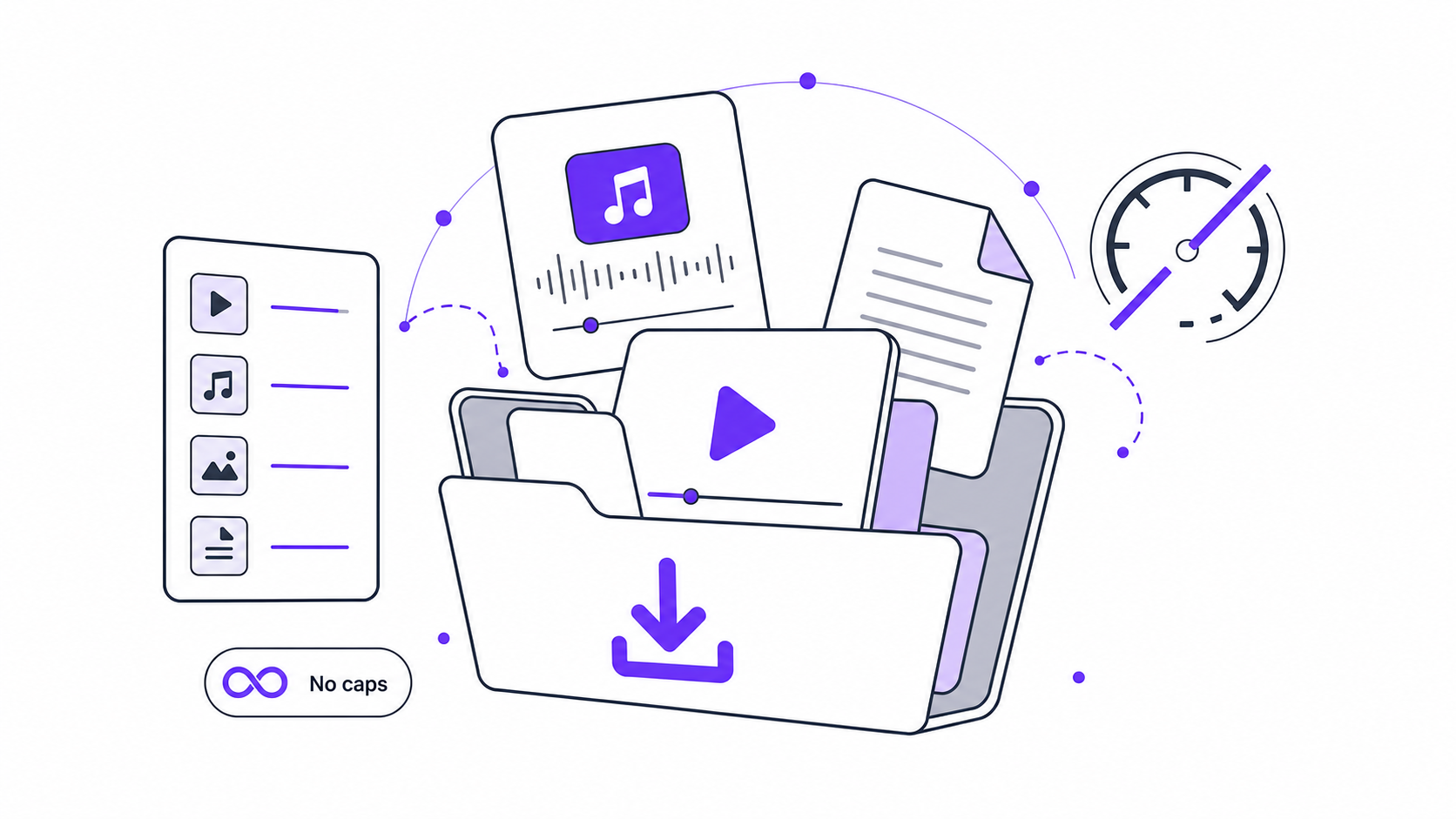
Easily download with a video URL
Simply paste a YouTube video link to download your target video content. Our all-in-one online video downloader quickly processes the link and saves your favourite videos with just a few clicks.
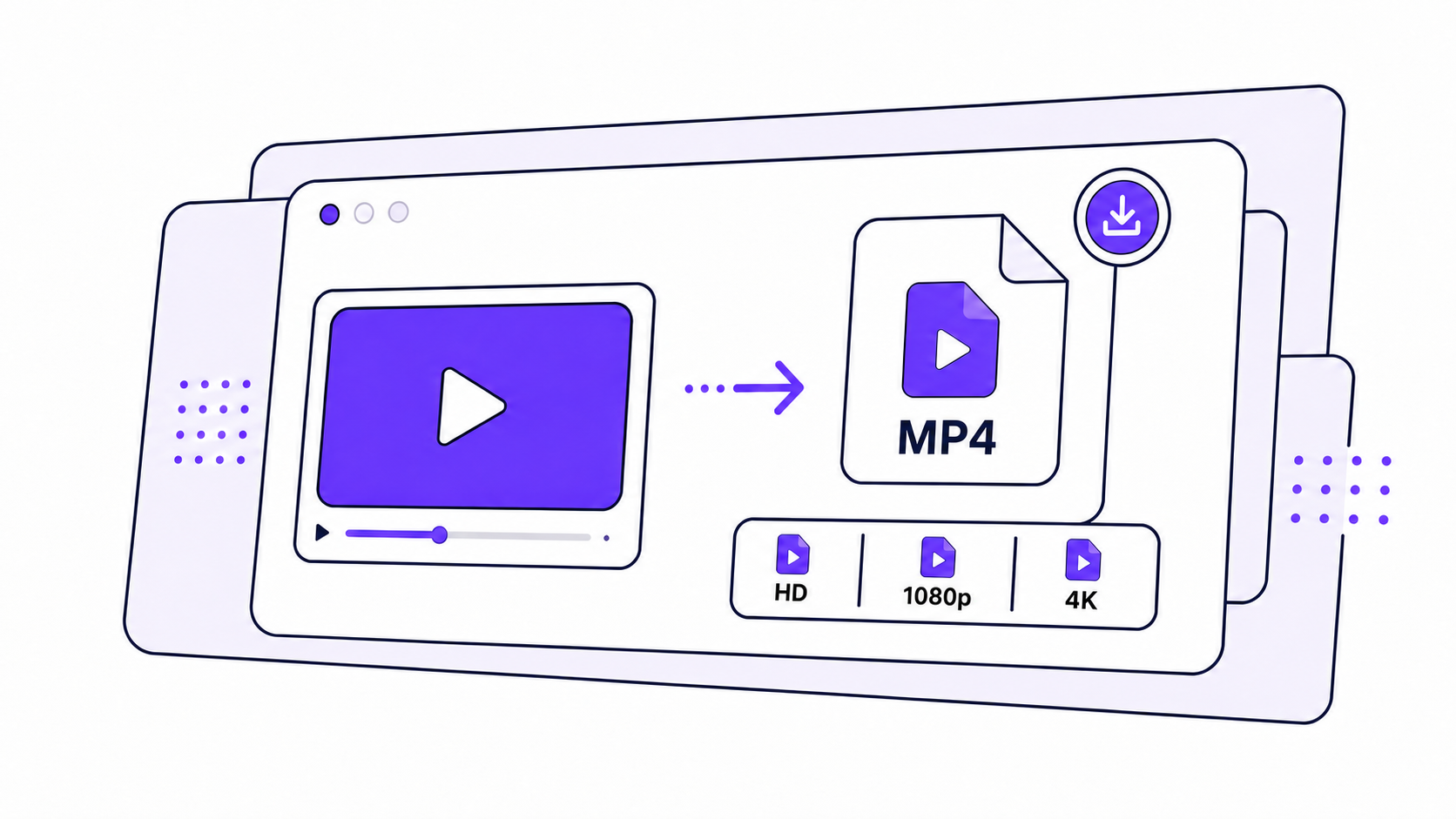
Save any video as MP4 or MP3
Save YouTube videos as MP4 or extract audio (music video) as MP3 with ease. You can select the format that satisfies your needs and quickly download high-quality video or audio files for offline use.

What you get
Download HD videos with a YouTube URL
Paste a link, choose an available quality, and save video or audio files directly to your device.

Paste a YouTube URL
Copy the URL of the YouTube video you want to save, paste it into the downloader, and choose your preferred format and quality.

No software install
Download supported videos directly from your web browser without installing additional desktop software or browser extensions.

Choose MP4 or MP3
Save supported YouTube videos as MP4 files, or extract audio as MP3 when audio-only downloads are available.
$0
HD, 1080p, and 4K
When the original YouTube video and available formats support higher resolutions, HD, 1080p, or 4K quality may be available.
Discover more practical tools based on YouTube
There is something to look forward to for content creators - have fun and enjoy them later.
4K
4k video downloader
Download high definition (HD) videos in stunning 1080p & 4K quality within a few seconds. Save high-resolution video files with clear details for an extreme offline viewing experience.

Music videos
Get more music for free if you're planning to use it as background music for a certain video content - It is the easiest way to save your favorite songs to your computer anytime and anywhere.

Tiktok videos
Now copy the link to download TikTok short videos online without an account and watermark HD. Save on your phone as an MP3 or even for more file formats.

Instagram Video Downloader
If you also want to stand out like the influencers on Instagram and post plenty of similar videos - download your favorite videos in available quality on your device for learning.
How to
Get started with Lunote AI
Download videos from YouTube downloader to your computer with steps
- 1
Step 1: Find a YouTube Video
Open YouTube on your browser and find the video you want to download. Make sure you have permission to download and use the content. - 2
Step 2: Copy the Video URL
Open the video and copy its URL from your browser's address bar. You can also use YouTube's Share option to copy the video link. - 3
Step 3: Paste the URL
Go to our YouTube video downloader and paste the copied URL into the download box. The tool will process the link and identify the available download options. - 4
Step 4: Choose Your Format and Quality
Select your preferred format, such as MP4 for video or MP3 for audio. Depending on the source video, HD, 1080p, or 4K quality may also be available. - 5
Step 5: Download the Video
Click the Download button and wait for the file to finish processing. Once ready, the video will be downloaded to your computer. - 6
Step 6: Find Your Downloaded Video
Open your computer's Downloads folder to find the saved file. You can then watch the video offline using your preferred media player.
Built for creators, learners, and mobile viewing
Use the downloader to save supported YouTube videos for offline viewing, learning, and daily content creation.
Offline study and lessons
Save approved lessons, tutorials, explainers, and study videos so you can watch them later without a stable connection.
Daily content creation
Creators can keep permitted reference videos, MP4 files, or audio tracks ready for editing, planning, and review.
Computer and phone downloads
Open the downloader from a desktop or mobile browser, paste the video URL, and save the available file to your device.
Responsible offline access
Only download content when you have permission, own the content, or when saving it is otherwise authorized.
Testimonials
Trusted by content creators and influencers
See why creators and everyday users choose our video downloader for daily content creation
★★★★★
“I love how simple this downloader is. I just paste the YouTube link, choose the format and quality, and the video is ready to save. No complicated setup.”
Michael R.Content Creator
★★★★★
“I needed a quick way to save videos for offline viewing, and this tool makes the process really straightforward. The download options are clear and easy to understand.”
Sarah T.
★★★★★
“This is one of the easiest video downloaders I’ve tried. I can paste a URL and download the video without installing extra software. It saves me a lot of time.”
Jason M.YouTube User
★★★★★
“I like having the option to save a video as MP4 or extract the audio as MP3. The interface is clean, and the whole process only takes a few clicks.”
Emily C.
FAQ